
A pixel cat that
lives on your Mac
A tiny cat moves into your screen. It walks, naps, plays — and quietly reminds you of your notes.
Download on theMac App StoremacOS 13 (Ventura) or later · Apple Silicon & Intel


A tiny cat moves into your screen. It walks, naps, plays — and quietly reminds you of your notes.
Download on theMac App StoremacOS 13 (Ventura) or later · Apple Silicon & Intel
Feed it, nap it, play with it, then drag it around — right in your browser, no install needed.
Pixmeow lives quietly on your desktop and asks for almost nothing — except maybe a little attention.

Your cat walks the screen on its own schedule. No prompts, no commands. It just lives there.

Fullness, fatigue, and stress drift over time. Forget to feed it and it slows down. Care for it and it purrs.

Pick a time and your cat delivers your note as a soft bubble — gentler than a system notification.

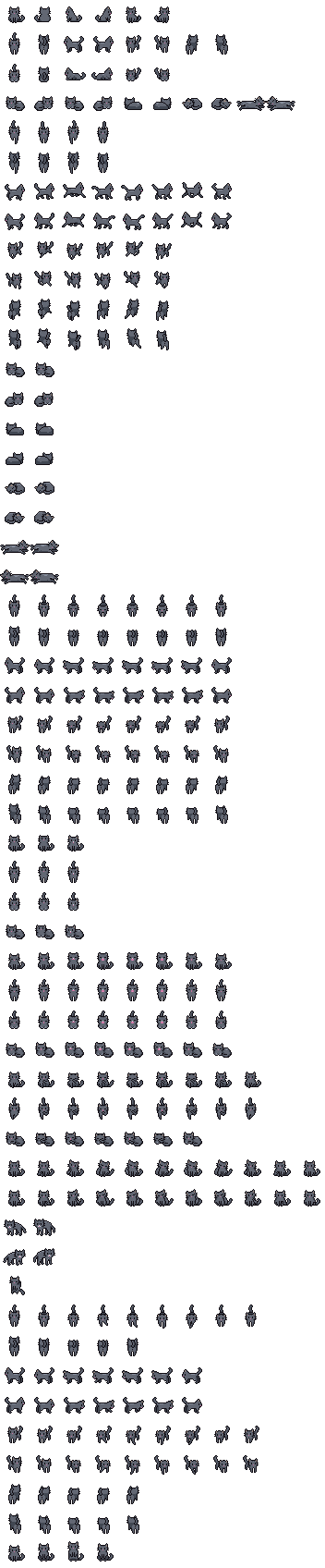
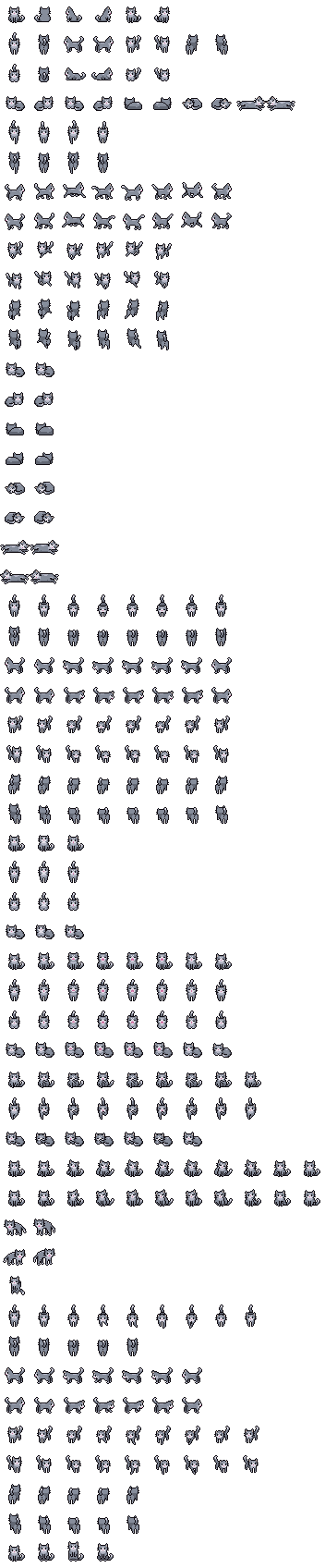
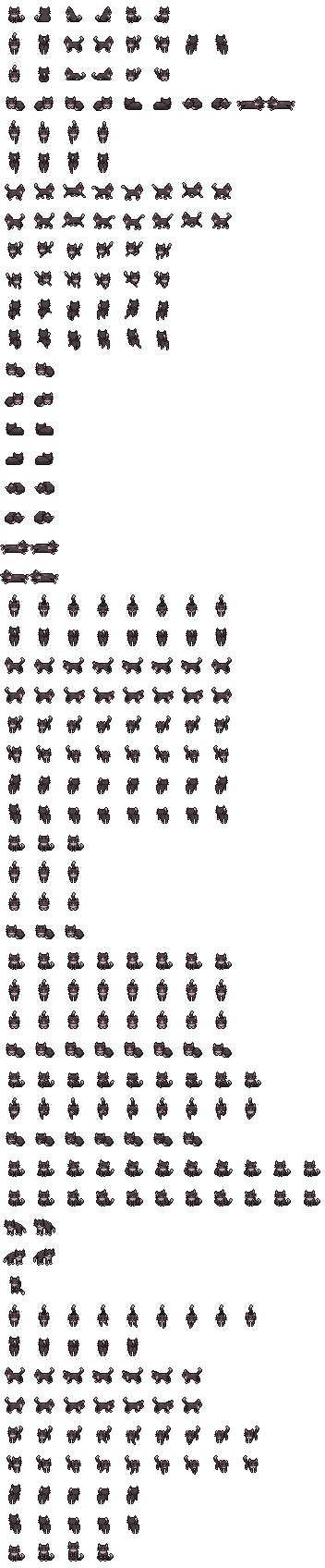
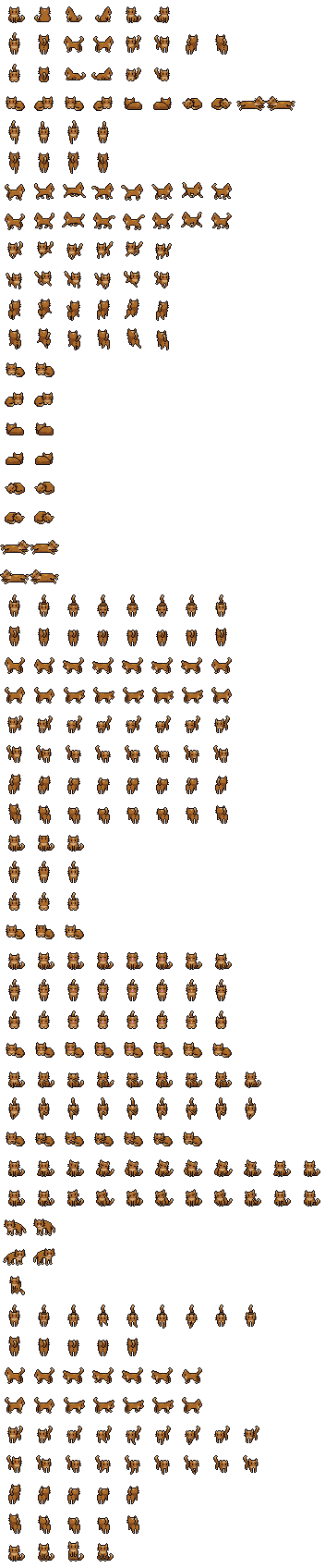
Gray, black, white, ginger, brown, fluffy, calico — 43 shape and color combinations to choose from.

Korean, English, Japanese, Chinese (Simp/Trad), Thai, Vietnamese, Indonesian, Spanish, French, German, Russian, Portuguese.

Lives in the menu bar, never in the way. Hide it during focus, summon it on breaks. Auto-hides in fullscreen.
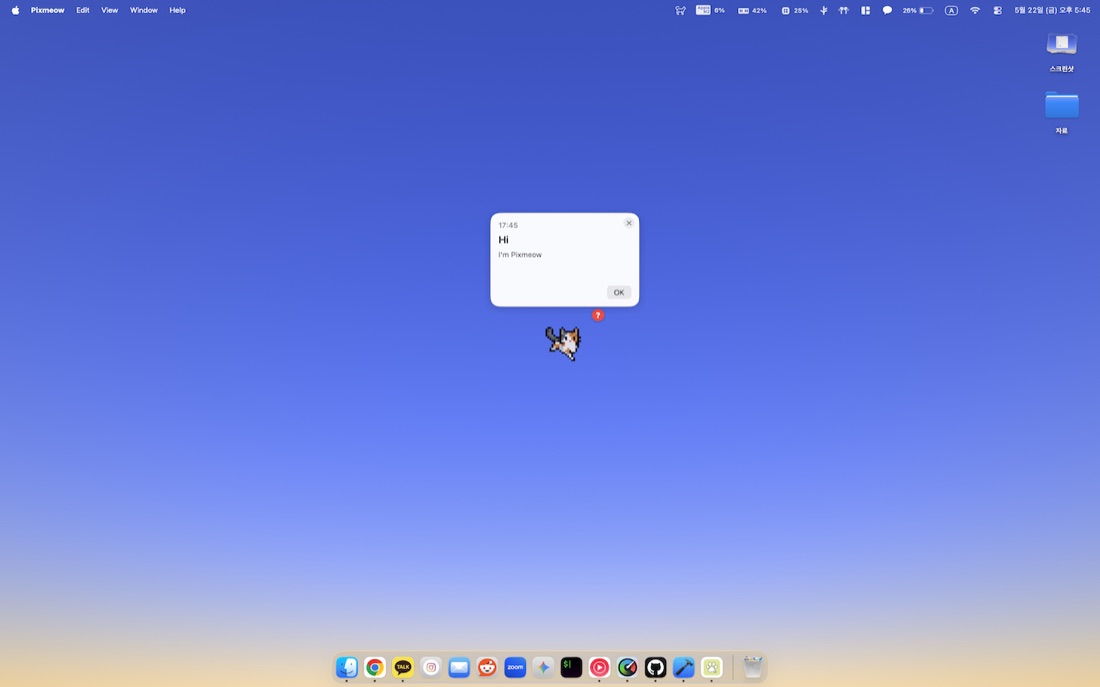
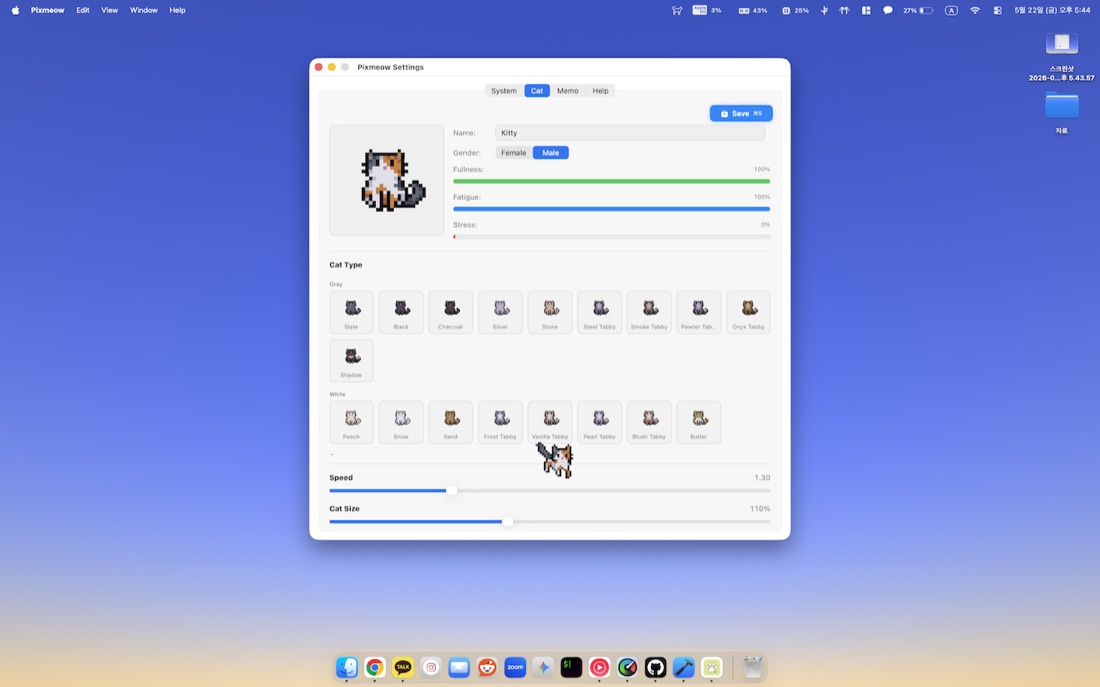
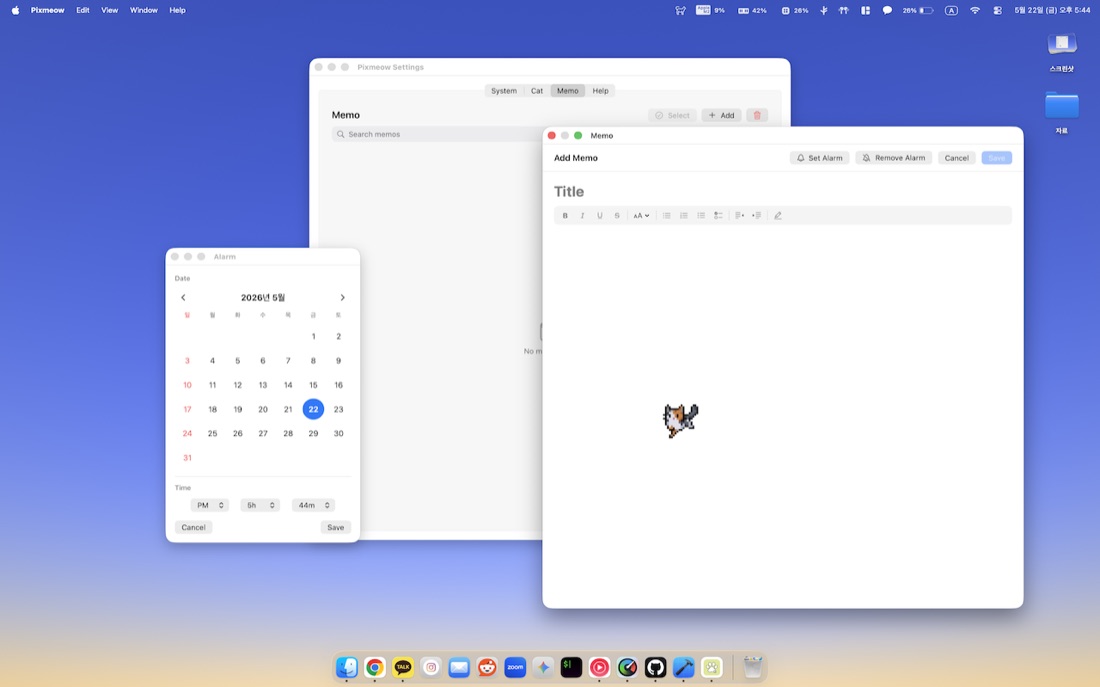
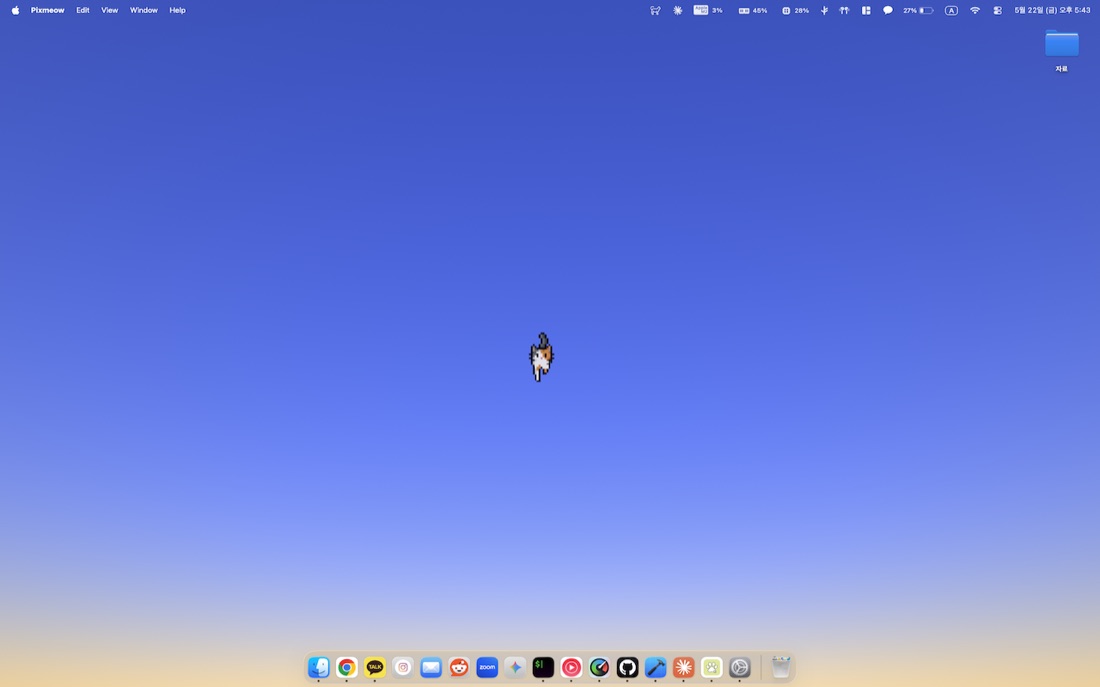
Real screenshots — no mockups. This is exactly how Pixmeow lives on your Mac.
When a memo's time comes, your cat pops a soft little bubble right where it stands — gentler than a system notification, harder to ignore than a sticky note.
Pick from 43 shape and color combinations. Watch fullness, fatigue, and stress drift in real time — feed it, rest it, play with it to keep it happy.
A clean built-in editor and calendar. Jot a note, set an alarm, and let the cat carry the reminder to you when the moment arrives.
Your cat roams the screen on its own. Keep it always on top, or let it auto-hide in fullscreen — it fits whatever you're doing.
Every cat is hand-drawn pixel art, animated frame by frame.
No data is collected, stored, or transmitted — ever. Input Monitoring is requested only so the cat can react to your cursor's position, entirely on your Mac.